Buyer's guide
Choose Your After-Hours Cover
Seven lessons scoring five options, including doing nothing, against your own after-hours data. Ends with a written decision, a review date, and a clear reason if the answer turns out to be no.
A phone agent that cannot read and write your calendar only takes messages. These are the questions to ask about your booking software before any demo.
You are about to book a demo for a phone agent, and you still do not know if it can see your schedule. Ask these questions first.
After hours. A caller wants a consult.
The agent cannot see the calendar.
Next morning: the callback list.
If a phone agent cannot see your schedule, it cannot book. It can only take a message, and your front desk still calls the patient back the next morning. Before you sit through a demo, ask these questions about your med spa booking software and the agent that will connect to it. The answers separate real calendar access from a nice voice on a recording.
This post does not assume any integration list, including ours. The honest answer for your setup comes from your booking vendor and the agent vendor together, in writing.
A phone agent is only as useful as its view of your calendar. If it cannot read open times, it cannot offer one. If it cannot write the appointment back, your staff re-key every booking by hand. Confirm calendar access first, before you compare price, voice quality or scripts.
The federal O*NET profile for receptionists lists "Scheduler" and "Medical Receptionist" among its sample job titles. It also names appointment scheduling software and electronic calendar management software among the tools of the job [1]. Scheduling sits at the center of the role, so it has to sit at the center of any tool that answers for it.
The same profile gives Speaking an importance score of 72 and Active Listening a score of 69, the top two of its essential skills [1]. Those skills matter, but a caller who hears a friendly voice and then "someone will call you back" has not been helped. The booking is the outcome.
Your booking software is also specialized. O*NET's in-demand software table for the role, built from 2025 US job postings, is all general office tools: Microsoft Office software appears in 22% of postings and Microsoft Outlook in 11% [2]. A med spa calendar is a different animal. Providers, rooms, devices, service lengths and deposits all live inside it. An agent that only knows a generic calendar will miss the rules that make your schedule work.
If the agent cannot see your real schedule, you are buying an answering service with extra steps.
Does this agent connect directly to the booking system you use today, and can the vendor show it working against a live or sandbox account? If the honest answer is a message pad, read how an answering service compares with an AI front office before you pay for either.
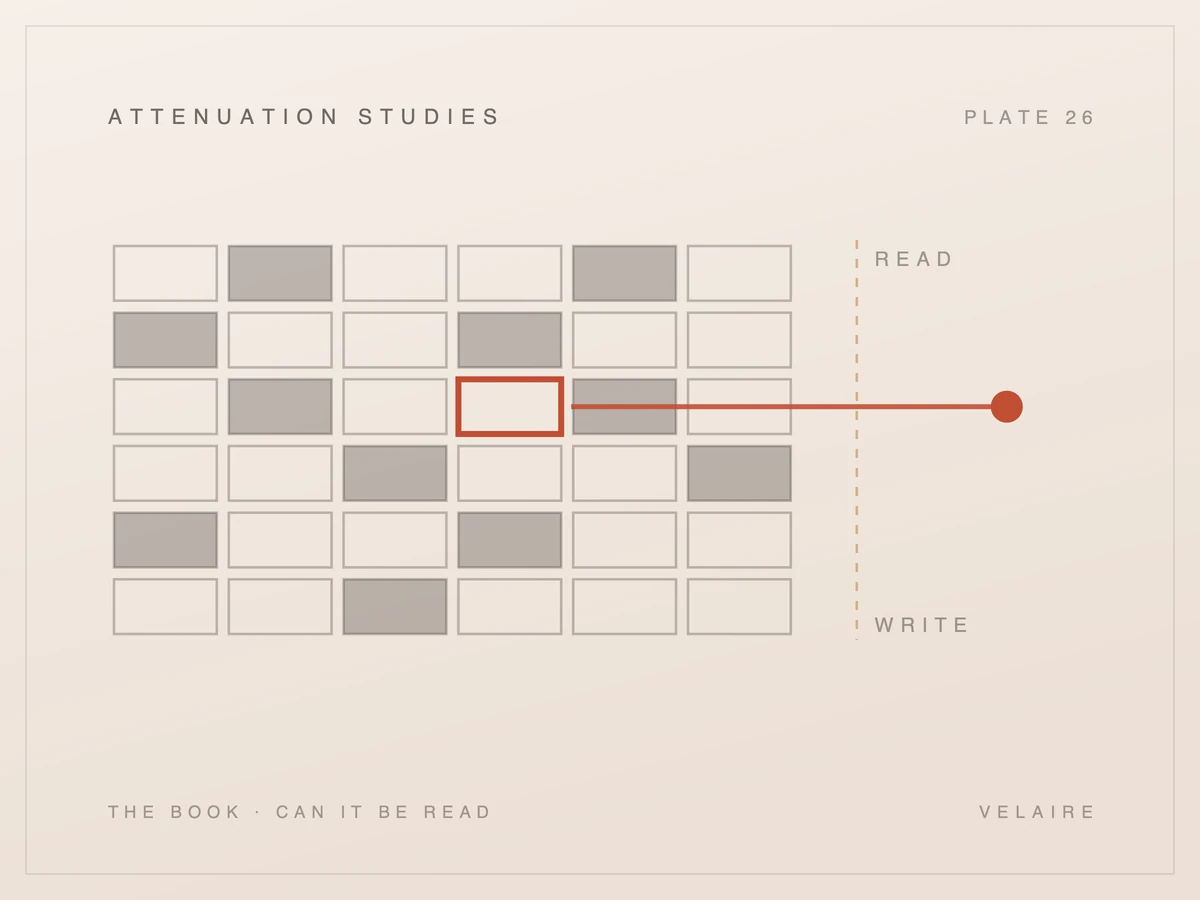
Read access means the agent can see open times. Write access means it can create the appointment in your system. You need both for a call to end with a real booking. Many tools sit somewhere in between, so ask exactly which actions the agent performs and which ones still land on your staff.
| Read only | Read and write | |
|---|---|---|
| Open times | Sees them | Sees them |
| The caller | Gets a suggested slot | Gets a booked appointment |
| The booking | Staff enter it by hand | Created in your calendar |
| Staff work | Every booking | Exceptions only |
Vendors use the word "integration" for very different things. Some tools only send a summary after the call. Some read availability but hand the booking to a person. The difference shows up on Monday morning, in how many calls still need a human to finish.
| Level of connection | What the agent can do | What your staff still do | Question to ask |
|---|---|---|---|
| No connection | Take a message | Call back, find a time, book it | Is there any calendar link at all? |
| Read only | See open times and suggest one | Enter the booking by hand | Who creates the appointment record? |
| Read and write | Offer a time and create the booking | Review exceptions | What happens if the slot is taken mid call? |
| Read, hold and write | Hold a slot, confirm it, then book | Review exceptions | How long is a slot held before release? |
Some booking platforms separate reserving a time from confirming it. In Zenoti's developer documentation, reserving a slot is one step and confirming the booking is the next [3]. Ask whether the agent follows the hold and confirm pattern your platform expects, or skips it, and how that hold keeps two callers from landing on the same time.
Also ask about changes. If the agent can book but not reschedule or cancel, those calls still go to your desk. Get a written list of supported actions.
A real booking connection runs as a sequence of steps. The agent has to create a request, fetch open slots, hold one, confirm it and handle reschedules. Each step can fail. Ask the vendor to walk through that sequence on your platform and show you what the caller hears when a step fails.
Public developer documentation shows how much detail sits under one booked appointment. Zenoti appears here only because its docs are public, not as a claim about which systems any agent supports. Zenoti tells developers to use its service booking APIs in a set order: create a service booking, retrieve available slots, reserve a slot, confirm the booking, then reschedule if needed [4].
When Zenoti creates a service booking, it generates a unique 32-digit booking ID, and the availability call needs that ID as an input [5]. If no slots are open on the requested day, the availability call returns the next available slot on another future day of the current week [5]. Slot spacing follows the practice's own setting: with the interval set to 5 minutes, Zenoti's example shows slots at 10:00, 10:05 and 10:10, and with it set to 15 minutes, slots at 10:00, 10:15 and 10:30 [3].
Each detail is a demo question:
Ask to see a failed booking in the demo, not only a successful one.
Calendar access often depends on your plan with your booking vendor, not only on the phone agent. A booking platform can tie API access to a license tier or ask you to request it from its developer team. Check your own contract first, then ask who holds the credentials, who can revoke them, and what happens if you leave.
Boulevard's public booking flow project is a useful example. To connect it to a Boulevard dashboard, a developer emails Boulevard's developer support team to request a sandbox and the values the project needs, a business ID and an API key. The project also states the business must be a current Boulevard customer with an Enterprise license [6]. That is one vendor and one project, and terms change. The lesson is general: your plan level can decide whether a connection is possible at all.
Before the demo, find out:
If the connection lives under your account, you can cut it the day you need to. Ask for the off switch in writing.
Your calendar holds rules your staff apply without thinking: which provider does which service, which room or device it needs, how long it runs and what buffer follows. A phone agent has to respect those same rules. If it books around them, your schedule fills with appointments your team has to unwind by hand.
Some booking platforms already flag these conflicts. Zenoti's availability response can attach warnings to a slot, with 13 warning types numbered 0 to 12. They include a therapist who is already booked, a therapist outside their schedule, a room or equipment over capacity, a service that ends outside center hours, and a holiday [5]. Ask the vendor what the agent does when a slot comes back with a warning like that. Does it skip the slot, or offer it anyway?
Ask, too, whether the agent reads your rules from your booking system, or whether someone has to copy them into the agent's own settings. Copied rules drift. When you change a service length in your booking software, will the agent know the same day, or only after someone updates it?
There is one rule that never depends on the calendar. When a caller has a clinical or urgent question, Velaire Health does not book them. The call routes to a human on your team. The agent does not diagnose and gives no medical advice. Ask any vendor how its agent recognizes those calls, where it sends them after hours, and how your team gets told.
Also confirm what the patient receives. Velaire Health texts the patient the appointment time after it books. Ask what that message says, whether it matches the time in your calendar exactly, and what the patient can reply. Texting carries its own consent rules, so treat that as a separate question from the calendar connection.
Connecting a phone agent to your calendar means patient names, phone numbers and appointment details pass between two systems. In the US, that calls for a signed business associate agreement and a correct configuration, because HIPAA is not a certification. Outside the US, your local privacy law sets the terms instead.
You may hear a vendor claim a HIPAA certification, but no such certification exists. What matters is a signed business associate agreement (BAA) between your practice and the vendor, plus a setup that limits who and what can see patient data. Ask for the BAA before the connection is switched on, not after.
If you run a practice in the UK or Ireland, a US BAA does not answer the question. UK GDPR applies in the UK and GDPR applies in Ireland, so ask the vendor how it meets those rules for your data. Canada has its own privacy law, and the same logic applies. Ask for the vendor's data processing terms for your market in writing, Velaire Health's included.
Three practical checks help in any market:
A vendor who will not put data access in writing has answered your question.
Bring your booking platform's name, your plan level, three real service types and one awkward scheduling rule. Ask the vendor to book against a sandbox or test calendar while you watch. A short live test against your real setup tells you more than any slide about integrations or voice quality.
A good demo is specific to you. Before the call, write down:
During the demo, ask the vendor to make a booking and show it inside your calendar view. Ask them to try a taken time, then move the appointment. Watch for the patient text. Velaire Health answers 24/7, and after-hours calls behave differently, so test a night call as well as a daytime one.
How long does setup take for your platform? Velaire Health's setup runs under 48 hours and needs no new hardware. Your booking vendor's access process can still add time on its side, so ask about both. Who do you call when the connection breaks? What does the agent do when the calendar is unreachable: does it take a message, or does it tell the caller something false?
Last, ask for the list in writing. Which booking systems does the vendor support today with read and write access, and which are planned? "We can integrate with anything" is not an answer. A named list, with what each connection can and cannot do, is.
Bring those questions, and your own calendar rules, to a Velaire Front Office demo. The point is a booking you can see in your own schedule.

Buyer's guide
Seven lessons scoring five options, including doing nothing, against your own after-hours data. Ends with a written decision, a review date, and a clear reason if the answer turns out to be no.
Buyer's guide
Four situations where an AI front office is the wrong purchase, what the cheaper fix is in each, and the one shape of practice where the arithmetic genuinely works.
Buyer's guide
Four very different products describe themselves with the same sentence. The difference is what ends up in your calendar and who put it there, and it is the question worth asking in every demo.
Buyer's guide
Both promise your phone gets answered when nobody is there to pick it up. They hand back very different things the next morning, and the gap is where the decision sits.
Buyer's guide
Most of these tools sound identical in a sales call. Here are the questions that actually separate them, and what a real answer sounds like when you ask each one.
Front office
Surveys show many customers distrust AI in service, mostly because they fear losing a route to a person. Waiting on hold also drives hang-ups. Here is how to weigh both risks.
The plain-language explainer: what it does, what it deliberately doesn't, and how it compares with voicemail, an answering service, a phone tree, and hiring.
See how Velaire would handle the calls your practice misses. A personal walkthrough, built around your questions.
Let’s talk about your practice