
Buyer's guide
Will a Phone Agent Work With Your Med Spa Booking Software?
A phone agent that cannot read and write your calendar only takes messages. These are the questions to ask about your booking software before any demo.
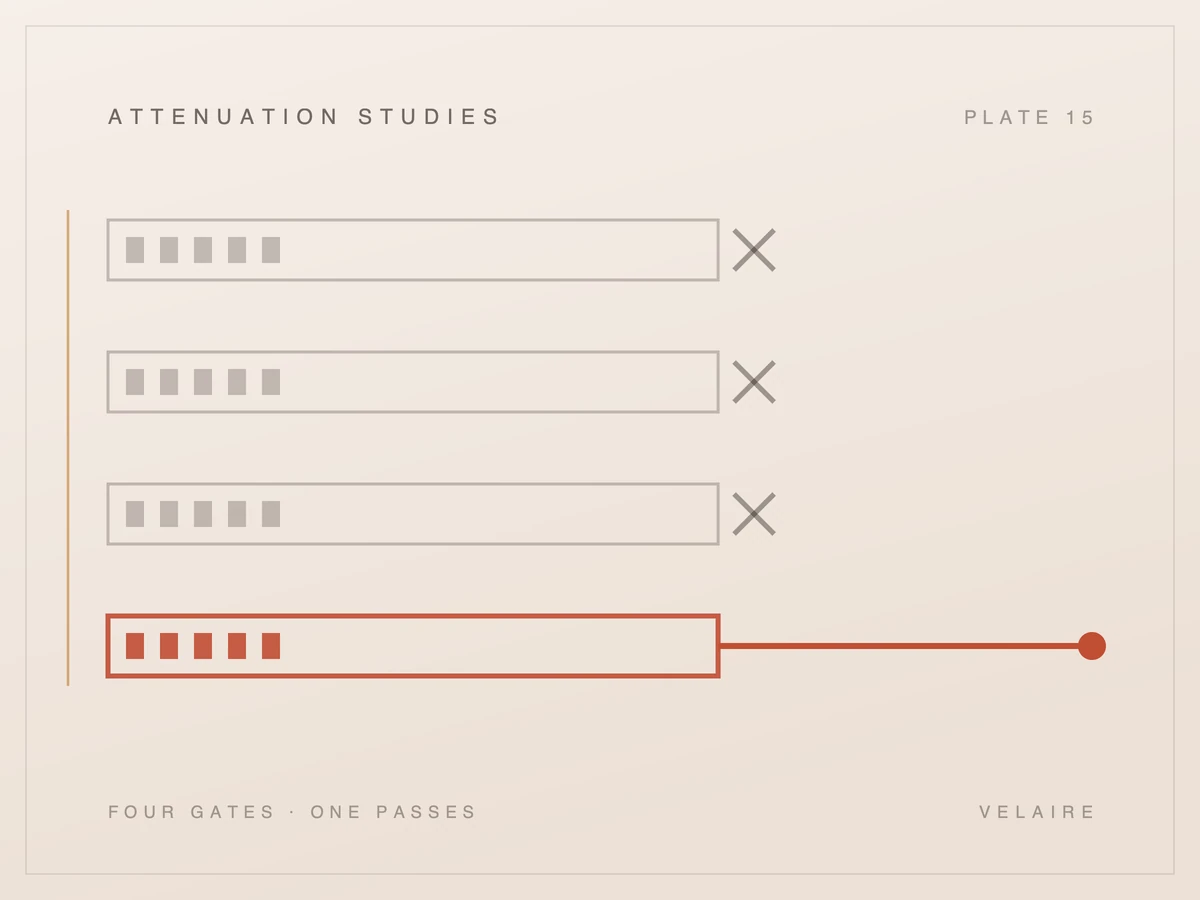
Four very different products describe themselves with the same sentence. The difference is what ends up in your calendar and who put it there, and it is the question worth asking in every demo.
Every vendor in this category says the AI books the appointment. Ask what happens next in your calendar and the answers diverge completely, because at least four different things are being described by one sentence.
every vendor, same slide
you, at 9am the next day
"It books the appointment" is the load-bearing sentence in this category's marketing, and it is doing more work than any four words should. Four architecturally different products say it, they mean four different things, and the difference only becomes visible after you have signed.
The reason it matters is not pedantry. What ends up in your calendar determines who has to do what tomorrow morning, whether double-bookings are possible, what happens when the system is wrong, and whether your front desk's workload actually falls. Those are the outcomes you are buying.
We have a position here that is worth stating before the analysis, because it is a commercial disadvantage and pretending otherwise would be dishonest. Our own product sits in the third of the four categories below. It captures a request and hands it to a person. It does not write to your calendar.
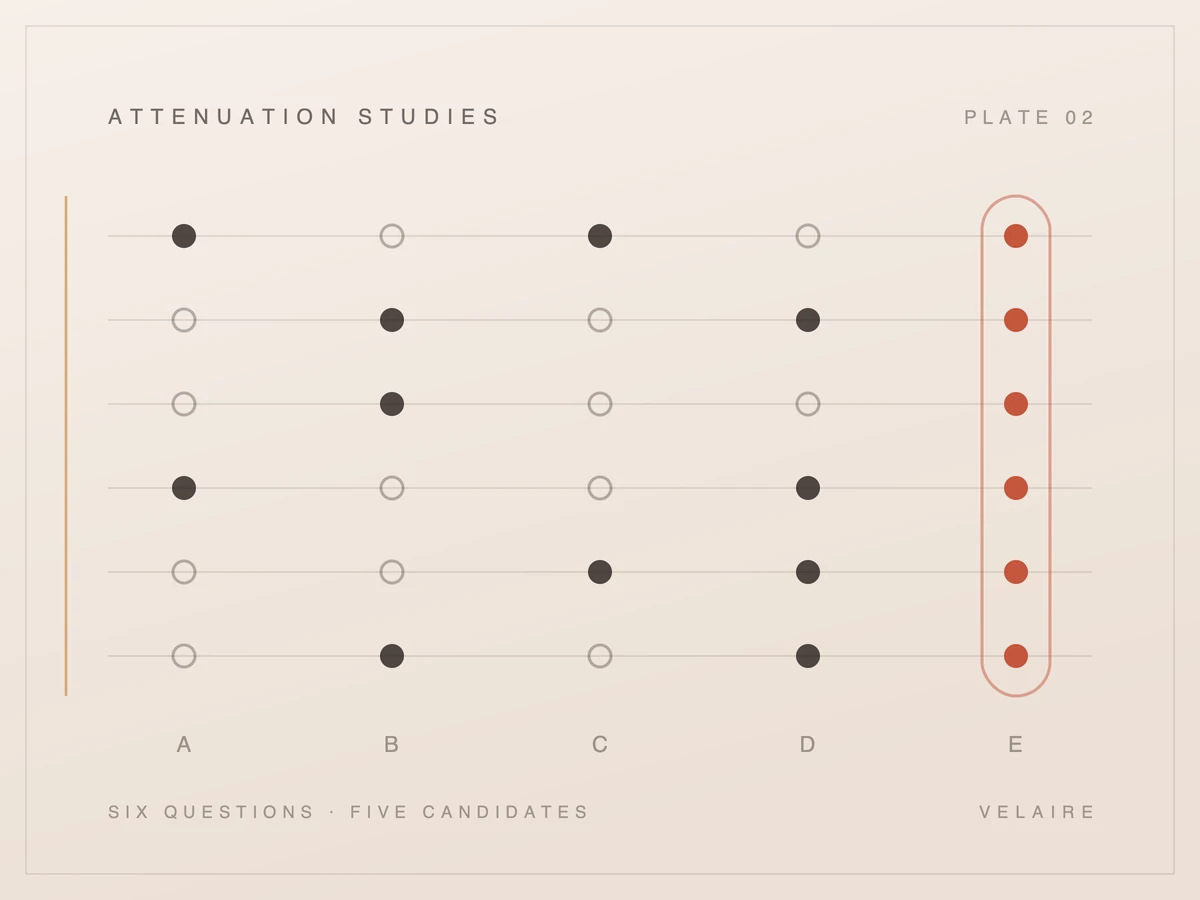
The four differ on exactly one axis: what ends up in your practice management system, and who put it there. Everything else a demo will show you, the voice quality, the vocabulary, the integrations page, the dashboard, sits downstream of that single question and tells you almost nothing about the answer to it.
Ranked from least to most committed, they are: a message that mentions booking, a routed link the patient completes themselves, a structured request a human confirms, and a direct write into the calendar. Each is a legitimate product and each fails differently.
Vendors rarely place themselves on this scale unprompted, which is why the demo question at the end of this article matters more than any feature list.
The only question that separates these four is what is in your calendar the next morning and who put it there.
Worth saying plainly: none of these four is a scam, and the differences are not a matter of vendors being more or less honest. They are genuinely different engineering answers to a hard problem, taken by teams with different integrations available to them and different appetites for being wrong in a clinical schedule.
The weakest version is an answering service with better transcription. The caller is heard, a message is produced, and somewhere in that message is the fact that they wanted an appointment. Nothing enters your calendar and no structure is imposed.
This is not worthless. A well-transcribed message with a callback number beats a voicemail nobody checks, and for a low-volume practice it may be entirely sufficient. It should not be priced as automation, because the work has moved 3 metres rather than disappeared.
The tell is that the output is prose. If what lands in your inbox is a paragraph rather than fields, a person still has to read it, interpret it, and act on it, and the volume of that work scales exactly with your call volume.
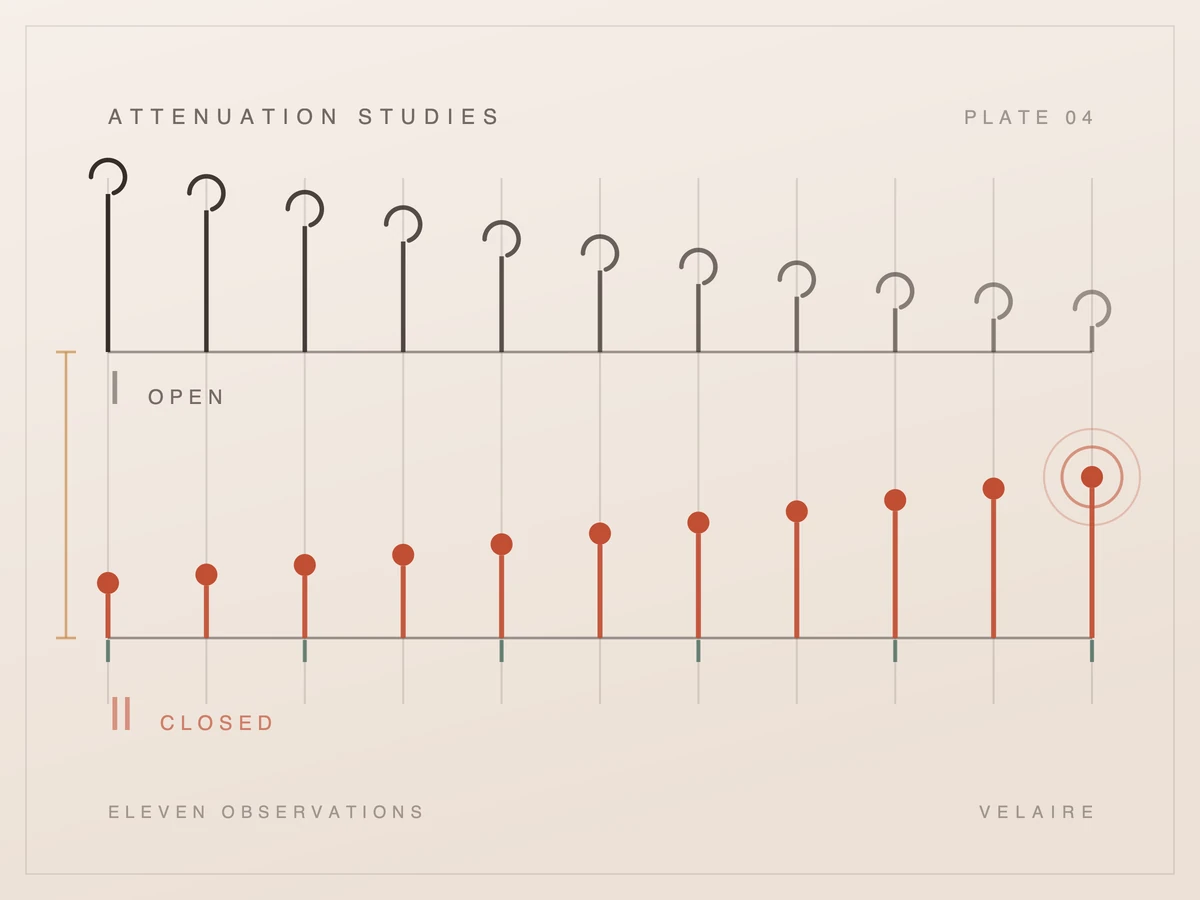
Price it against the work it actually removes. At 20 calls a day, a product in this category saves the listening but leaves 20 callbacks to make, which is still around 60 minutes of front-desk time. That may well be worth paying for. It is not worth paying automation prices for, and the gap between those two numbers is where practices feel misled later.
A message with a callback number is a task that moved 3 metres. It is not a task that disappeared.
The second category sends the caller a link, usually by text while they are still on the phone, and the patient books themselves through your existing online scheduler. The calendar entry that results is entirely real, and the person who created it is the patient rather than the system or your staff.
This works genuinely well when your online scheduler is good and your treatments are simple enough to self-select. It works badly when the patient needs to be told which appointment type they need, which is most first-time aesthetics enquiries and a lot of dentistry.
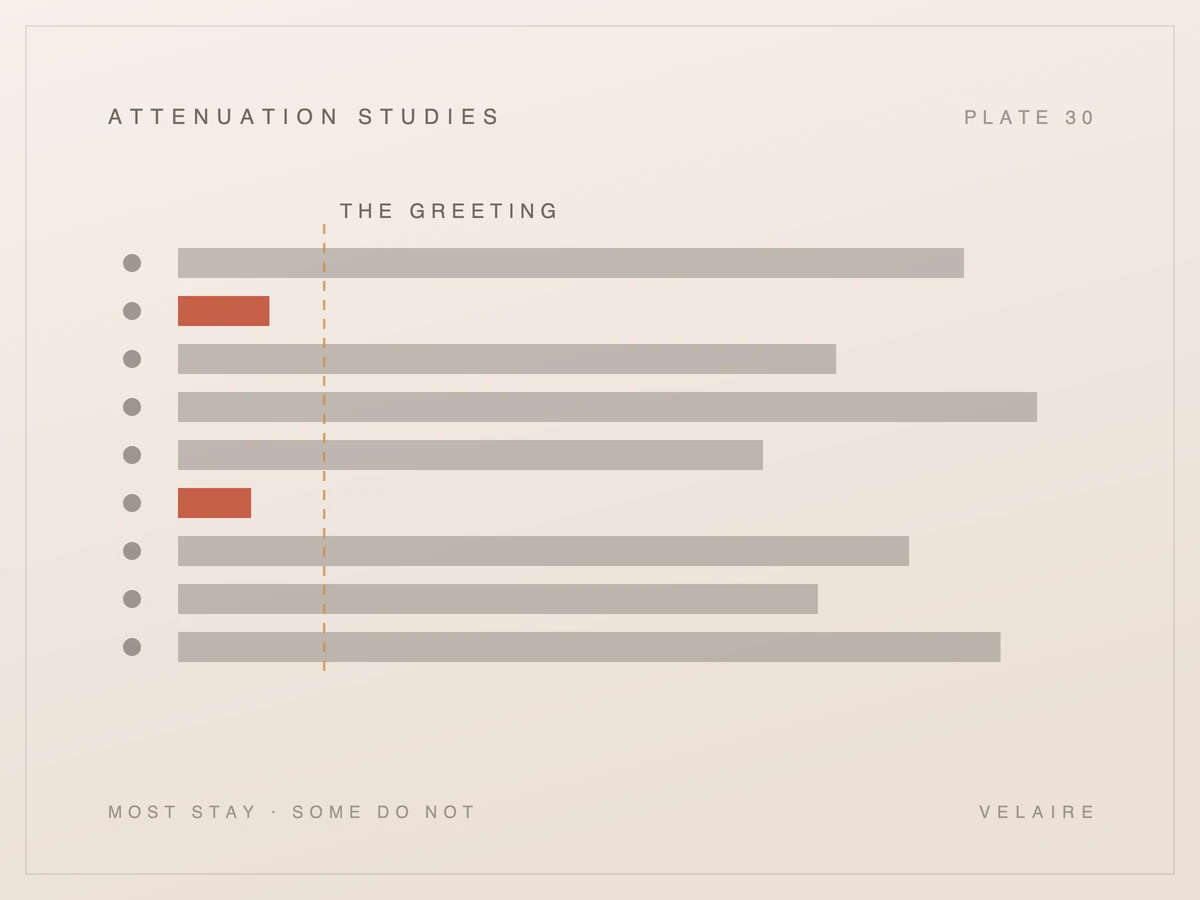
The number to ask about is completion rate. A link sent is not an appointment, and the gap between the two is the actual performance of the product. A vendor reporting links sent rather than bookings completed is reporting its own activity rather than your outcome.
There is a real advantage here that gets undersold. Because the patient books directly, the calendar entry is exactly as correct as your scheduler's rules allow, which means no double-booking and no wrong appointment type. The failure mode is silence rather than error.
Silence is easier to live with than a wrong entry and it is also easier to ignore. A practice using this approach should be looking at the completion rate weekly, because a drop from 60% to 30% produces no alarm anywhere: no error is logged, nothing looks broken, and the only symptom is a quieter calendar 2 weeks later.
The third category captures the caller's intent as structured data rather than prose: name, number, treatment interest, preferred times, urgency. It then hands that to a person who confirms it into the calendar. Nothing writes to your schedule automatically, and that is the design rather than a limitation being worked around.
The saving here is minutes rather than headcount, and it is worth pricing as such. At the O*NET median of $22.08 an hour for medical secretaries and administrative assistants [1], the 3 or 4 minutes of listening and typing this removes from a booking is worth about $1.30 a call. Real, and not a business case on its own. What this category actually buys is consistency of capture, not labour saved.
The honest description of this is that it removes the listening and the typing, and leaves the judgement. A human still decides whether the requested slot is appropriate, whether the appointment type is right, and whether this caller needs to be seen sooner than they asked.
| Structured request | Direct write | |
|---|---|---|
| When it is unsure | Flags it for a human | Has to decide something |
| Worst realistic failure | A confirmation call nobody wanted | Two patients in one slot |
| Front desk work | Compressed, not removed | Removed, when it is right |
| Needs a write API | No | Yes, a supported one |
The cost is that it does not eliminate the task, it compresses it. A practice expecting the calendar to fill itself overnight will be disappointed, and a vendor in this category implying otherwise is overselling. What it does is turn a 6 minute call plus a callback into a 40 second confirmation.
The benefit is that it cannot be wrong in the expensive direction. A structured request that is mistaken produces a confirmation call, which is a minor annoyance. An automatic write that is mistaken produces a patient arriving for the wrong appointment, or two patients in one slot, which is not.
The arithmetic that matters here is throughput rather than headcount. If confirming a structured request takes 40 seconds and the call it replaced took 6 minutes, a practice handling 15 evening enquiries has turned 90 minutes of work into 10 minutes of work. Nobody is removed from the payroll by that, and the recall list finally gets worked.
This is where our product sits, and we say so on the product's own screens as well as here. The reason is not caution for its own sake: writing to a live clinical calendar requires a level of integration and correctness we would rather earn than assume.
The fourth category genuinely creates the appointment without a person involved. It holds a live integration with your practice management system, applies your scheduling rules about availability and appointment length, and the entry simply appears in the schedule without anyone at the practice touching it.
When it works this is the strongest version, and it is the one everyone pictures when they hear the sentence. It is also the one with the most demanding preconditions, and the preconditions are where most deployments actually fail.
| Precondition | What happens without it |
|---|---|
| A write-capable API for your system | The integration is a scrape or a robot clicking a UI, which breaks on updates |
| Appointment types encoded correctly | The right patient books the wrong length of visit |
| Provider availability rules honoured | Bookings land on a provider's admin time or day off |
| A defined failure path | An ambiguous call becomes a wrong appointment rather than a question |
The second row is the one that bites in practice. Booking a patient into a 30 minute slot who needed 60 minutes does not look like a system failure, it looks like a schedule that runs late all day, and the cause is invisible unless someone goes looking.
The fourth row is the one that separates a mature deployment from a demo. Every system in this category will eventually meet a call it cannot resolve confidently, and what it does at that moment is a design decision somebody made. A defined path to a human is a good answer. Booking something anyway and letting the practice sort it out in the morning is also an answer, and it is the one that produces the wrong-appointment problem above.
Ask to be shown that path rather than told about it. A vendor who can demonstrate the ambiguous call, live, has built the thing. A vendor who describes it in the abstract may still be planning it.
It is also worth knowing that a write-capable API is not a given. Several widely used systems expose read access far more readily than write access, and some scheduling platforms offer no write API at all, which means anything claiming to book into them is doing something less robust than an integration.
Skip the feature list entirely and ask one question, in these words: a patient calls at 8pm asking for something the system is not certain about, so walk me through exactly what is in my calendar at 9am the next morning, and tell me who or what put it there. Then stop talking.
The four categories answer that question in four visibly different ways, and a vendor who cannot answer it crisply has either not thought about it or does not want to. Two follow-ups are worth having ready.
That last one has stopped being optional. Pew Research Center, polling 3,488 US adults in June 2026, found 56% wanted to be told when AI was used to schedule their appointment, and 72% wanted telling about AI in their care generally [3]. Acceptance of the task is not the obstacle: a 2024 Talkdesk survey of 1,000 US adults put comfort with AI scheduling routine appointments at 42%, rising to 67% among patients with sensitive issues who would rather book through a chatbot than speak to someone [2]. People will take the automated booking. They would like to know that is what it was.
One more thing to listen for in the answer. A vendor in category three or four should be able to name your specific practice management system and say what their integration with it does, because that is a fact rather than a positioning statement. "We integrate with most major systems" is what a vendor says when the honest answer is that they integrate with 2 of them and yours is not one.
If the answer names your system, ask when the integration was last used by a live practice. Integrations decay quietly when a vendor's other customers move off a platform, and an integration that exists in the codebase is not the same as one somebody is running today.
None of the four is the correct answer for every practice. A practice with a good online scheduler and simple treatments may be best served by category two. A practice with genuine clinical triage needs and a complex schedule should probably be in category three whatever it wishes it were buying.
What is not defensible is a vendor letting you assume category four while shipping category one. That happens, it happens because the sentence is ambiguous and the ambiguity is commercially useful, and it is the reason to ask the calendar question out loud.
If you want the questions that separate vendors on everything else, what to look for in an AI front office covers coverage, escalation and reporting. The related distinction between an answering service and this category is worked through in AI receptionist versus answering service.

Buyer's guide
A phone agent that cannot read and write your calendar only takes messages. These are the questions to ask about your booking software before any demo.
Buyer's guide
Seven lessons scoring five options, including doing nothing, against your own after-hours data. Ends with a written decision, a review date, and a clear reason if the answer turns out to be no.
Buyer's guide
Four situations where an AI front office is the wrong purchase, what the cheaper fix is in each, and the one shape of practice where the arithmetic genuinely works.
Buyer's guide
Both promise your phone gets answered when nobody is there to pick it up. They hand back very different things the next morning, and the gap is where the decision sits.
Buyer's guide
Most of these tools sound identical in a sales call. Here are the questions that actually separate them, and what a real answer sounds like when you ask each one.
Front office
Surveys show many customers distrust AI in service, mostly because they fear losing a route to a person. Waiting on hold also drives hang-ups. Here is how to weigh both risks.
The plain-language explainer: what it does, what it deliberately doesn't, and how it compares with voicemail, an answering service, a phone tree, and hiring.
See how Velaire would handle the calls your practice misses. A personal walkthrough, built around your questions.
Let’s talk about your practice