Operations
Get Your Data Ready for an Integration
Seven lessons of unglamorous cleanup that decide whether a connected system works. Appointment types, availability rules, duplicates, phone formats, and who is allowed to write what.
Vendor benchmarks disagree on when dental patients call. Here is how to read your own call log, map your peak hours by day, and see where the desk overflows.
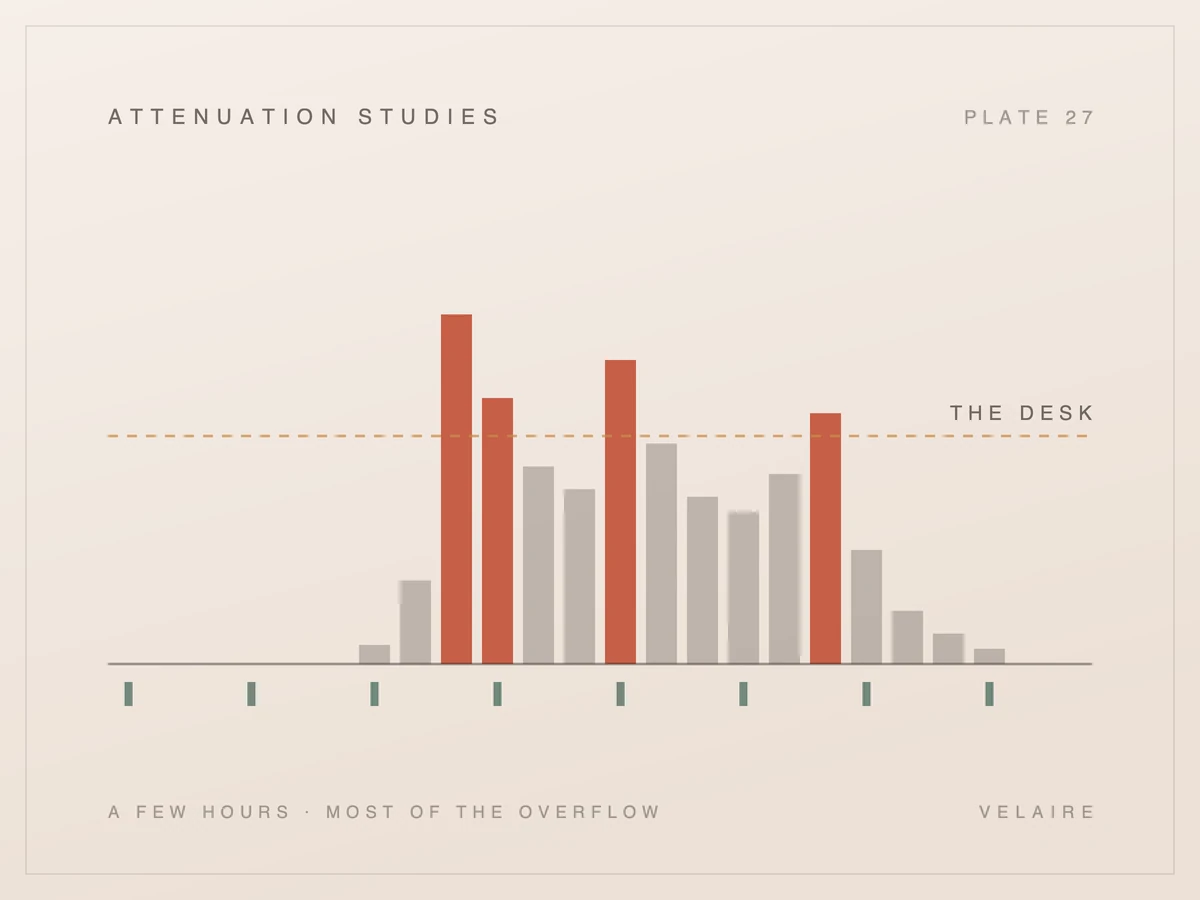
Your phones feel busy all day, but they probably are not. A few hours each week overflow the desk, and your call log already knows which ones.
Monday, opening hour
Check-in and the phones, all at once
The call log shows when it happens
You know the phones get busy and that some calls go unanswered. What you probably don't know is exactly when the desk tips over: which day, which hour, and whether the problem is too many calls or too few people free to answer them. That difference decides the fix. Dental office call volume by time of day varies from one practice to the next, so this post shows how to read the call log your phone system already keeps and turn it into a simple map of your own peaks.
Published benchmarks on dental call volume come mostly from vendors, and they disagree on daily volume, peak hours and the share of calls after close. They are useful as a prompt to look, not as a plan. Your patient mix, hours, location and staffing shape your peaks, so the reliable map is the one built from your own calls.
The spread is wide. A Resonate statistics roundup, citing a blog post from another vendor, Arini, says average dental offices receive 123 calls daily. The same roundup says Monday mornings bring 40% more calls than average weekdays and names 8:00 to 10:00 AM as the heaviest period [1]. A Dentalbase guide puts most single-location general practices at 30 to 50 inbound calls per day and says Monday and post-lunch spikes often run 2 to 3 times the hourly average [2]. Those two daily figures are not close.
The missed-call numbers vary too. Swissmonkey reports peak miss rates of 50% to 65% during the weekday lunch break (12 to 1 PM) and 45% to 55% on Monday mornings (8 to 10 AM) [3]. A separate Resonate page names the 10 AM hour as the peak, with 11 AM and 9 AM close behind, and says 40% of new patient calls come outside business hours [4]. Dentalbase's own worked example has 54 of 200 weekly calls landing outside business hours, a 27% share it attributes to Dental Economics [2]. That is well short of 40%.
Every figure above comes from a company that sells phone answering, AI or front-office support, and some of them pass along numbers from other vendors' blogs. They agree on direction: Monday mornings and lunch are hard. They disagree on size and timing, and size and timing are exactly what you need to plan staff.
A benchmark tells you where to look. Your call log tells you what is actually happening.
There is also a fit problem. A practice that opens early, runs a Saturday clinic or sits next to a large employer will see a different curve from a suburban office that opens later. A med spa with evening appointments may see its busiest hour after most offices have closed. Averages smooth all of that away, and the smoothing hides the hours that matter.
Most business phone systems keep a record of every call: when it came in, how long it lasted, which line it reached and whether anyone picked up. That record is enough to find your peaks. You don't need new software or a consultant, only an export from the phone system and a spreadsheet with a few sorted columns.
Look in your phone system's admin portal for a section called call history, call reports or call detail records. If you can't find it, ask your phone provider for an export of inbound calls for a recent month.
The columns you need are few:
Caller numbers belong to your patients, so handle them with care. Before the file goes anywhere beyond the person doing the analysis, replace each number with a simple code (Caller A, Caller B) or delete the column once you have flagged repeat calls. Nothing in this exercise needs names, reasons for calling or anything from the patient record.
For this map, a call is either answered by a person or it isn't. Voicemail counts as not answered, because the patient did not reach anyone.
Group your calls into a grid of weekday by hour, then count two things in each cell: total inbound calls and calls nobody answered. Use a month of ordinary weeks so one odd day doesn't distort the picture. The cells where both counts are high, or where the missed share jumps, are your peaks.
Start by choosing the weeks. Skip any week with a holiday closure, a phone outage, a new marketing campaign or a staff member out for several days. You want a picture of a normal month, because that is what you will staff for.
Next, filter to inbound calls only. Outbound calls tie up the line, but your team chooses when to make them, so set them aside and look at them later.
Then deal with repeat callers. A patient who can't get through often tries again within minutes, and counting every attempt makes one person look like a rush. Mark repeat attempts from the same number inside a short window and count that patient once. Keep a second count of total attempts, because repeat attempts also show where patients struggle most.
Add two helper columns: day of the week and hour of the day. Then build a pivot table with weekdays as rows, hours as columns and the count of calls as values. Build a second one for unanswered calls only. Divide the second by the first and you have a missed share for every hour of your week.
A quick worked example shows why the share matters. Say your Tuesday 12 PM cell holds 20 calls and 9 of them went unanswered. That is a missed share of 45%. If your Monday 9 AM cell holds 40 calls with 6 unanswered, the missed share is 15%. Monday is busier, but Tuesday lunch is where patients are failing to get through. (These are illustrative numbers, not a benchmark.)
Count the people, not the rings. Several calls from one patient in a few minutes is one person who didn't get through.
Finally, shade the grid. Use one color scale so the darkest cells are the busiest and a second scale for the highest missed share.
If a full pivot table feels like too much, a paper version works. Print the grid below and, in each cell, tally inbound calls and circle the missed ones.
| Day | Before open | Opening hour | Mid-morning | Lunch | Afternoon | Last hour | After close |
|---|---|---|---|---|---|---|---|
| Monday | |||||||
| Tuesday | |||||||
| Wednesday | |||||||
| Thursday | |||||||
| Friday | |||||||
| Weekend |
The blocks are broad on purpose. When one turns dark, check it hour by hour in the export.
A busy hour is not automatically a problem hour. Overflow happens where calls arrive faster than the people on the desk can take them, and that depends on who is free. Compare your missed share with your staffing and the desk's other duties at that time, and the real pressure points usually narrow to a few blocks.
The phone is one job among many at the front desk. O*NET's profile of receptionists lists answering, screening and forwarding calls alongside greeting visitors, receiving payment and keeping appointment calendars up to date [5]. Its profile of medical secretaries describes scheduling appointments, billing patients and compiling medical charts, as well as answering telephones and directing calls, and 90% of respondents in its work context data said they hold telephone conversations every day [6]. When patients are arriving, paying and checking out, the phone waits.
That is why the missed share matters more than raw volume. Put your staffing schedule next to the grid and you will usually find three kinds of peak:
| What you see | First fix | |
|---|---|---|
| Volume peak | High calls and a rising missed share | A dedicated phone owner in those hours |
| Coverage gap | Ordinary calls, but the missed share jumps | Change the schedule, such as staggered lunches |
| Collision peak | Calls and patient arrivals at once | Split phone and check-in duties |
Each kind needs a different fix, which is why a blanket "we need more staff" conclusion often misses. A coverage gap can sometimes be closed by moving a break. A volume peak can't.
For a deeper look at what each missed call puts at risk, see what a missed call costs a practice.
Calls that arrive after close are a separate peak with a separate fix. Count them by hour and by day, note how many reached voicemail and how many left a message, and check Monday's opening hour for the callback rush. Evening and weekend calls often explain why Monday mornings feel so heavy at the desk.
Use the After close and Weekend cells of your grid. The vendor figures disagree here too: Resonate says 40% of new patient calls come outside business hours [4], while Dentalbase's example puts 54 of 200 weekly calls outside hours [2]. Your number could be higher or lower than both, depending on your hours and your patients.
Then check what happened to those callers. Compare the number of after-hours calls with the number of voicemails actually left. Resonate, citing another vendor's blog, says 80% of patients who reach voicemail hang up without leaving a message [4]. You can test that claim against your own system in a few minutes. The gap between calls and messages is demand that left no trace except a timestamp.
Look at the first hour of Monday and of the day after any closure. If it is dark on your grid and the after-hours cells before it are also dark, part of your Monday rush is the weekend's backlog.
One caution for dental practices in particular: some after-hours calls are about pain, swelling or an injury. Those are not booking calls. Whatever coverage you use outside your hours needs a clear route to a person on your team for anything clinical or urgent. For more on why the evening gap behaves differently from the daytime one, see why after-hours calls are different.
Match the fix to the type of peak. Volume peaks need more answering capacity in those exact hours. Coverage gaps need schedule changes such as truly staggered lunches. After-hours peaks need some form of coverage outside your hours. Recheck the map after each change, because fixing one block can push calls into the next.
For coverage gaps, start with the schedule. Stagger lunches so someone is always on the phone, move the team huddle away from the darkest block, and keep check-in and phone duty with different people during collision peaks.
For volume peaks, give the phone a dedicated owner in those blocks. Dentalbase says a phone-only role during peak hours can cut call abandonment by 30% or more, based on its own experience with practices [2]. That is a vendor estimate, so measure your result rather than assuming it. Whoever owns the phone should also call back every missed number from the block before.
For after-hours and overflow, you need coverage that doesn't depend on someone being at the desk. That could be an answering service, an on-call rotation or an automated agent. Velaire Front Office answers calls 24/7, checks live availability, books the appointment into your practice calendar and texts the patient the time. A caller with a clinical or urgent question is never booked; the call goes to a person on your team, and the agent gives no medical advice. Setup takes under 48 hours and needs no new hardware.
Whichever route you choose, rebuild the grid after a month and compare. The goal is a lighter missed-share map, not a busier phone. If you want to see how an agent would cover the dark blocks on your own map, a demo can walk through it against your hours.

Operations
Seven lessons of unglamorous cleanup that decide whether a connected system works. Appointment types, availability rules, duplicates, phone formats, and who is allowed to write what.
Operations
Seven lessons on the misses that happen while you are open and staffed. Find the abandonment curve, match volume to cover, fix the hold experience, and give callers a way out that is not hanging up.
Operations
Eight lessons and about 2 hours to find the dead ends, the abandoned options, and the urgent path that does not work. Costs nothing, and it is the fix most practices should make before buying anything.
Operations
Eight lessons turning a neglected recall list into a weekly routine with two measured rates. Includes what the message must not say, and what to do with the patients who never answer.
Operations
Eight lessons producing a one-page monthly scorecard: six numbers that change a decision, the definitions that make them comparable month to month, and an explicit list of what to stop tracking.
Operations
Nine lessons that turn a trial into an experiment: a measured baseline, criteria written before the start, sampled real calls rather than a dashboard, and a decision you wrote the rules for in advance.
The plain-language explainer: what it does, what it deliberately doesn't, and how it compares with voicemail, an answering service, a phone tree, and hiring.
See how Velaire would handle the calls your practice misses. A personal walkthrough, built around your questions.
Let’s talk about your practice